

Sometimes you need to fetch a value. You know it is just that one value there, but when you choose it from the dynamic content – it throws in an “Apply to each” action. It does not do any harm, but it looks like you are expecting more values and it messes up the looks – in my opinion 
So this is what it looks like when you want the role of the responsible out of the box. You put in a compose action to fetch the value, but the Apply to each hops in there.
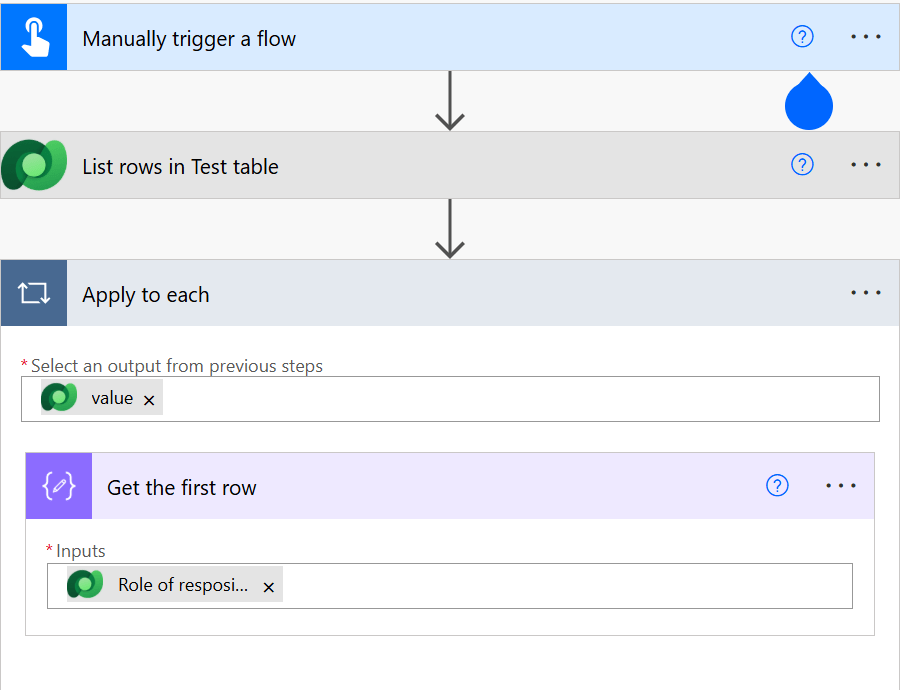
So what do we to then, if we want to have a cleaner code without the extra action in there? Well, we have to collect the different values and put them together. If you do this with the “new” designer, you can’t copy the values, so you have to hoover over and write it down.
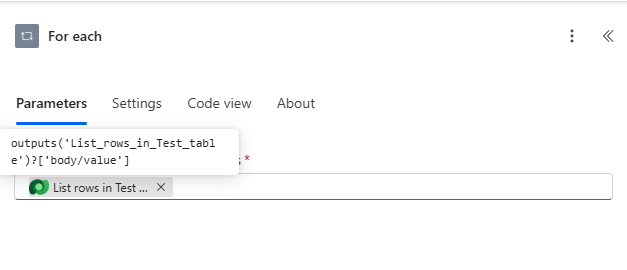
If you using the old designer, you can dobbel click on the text and copy it to a notepad
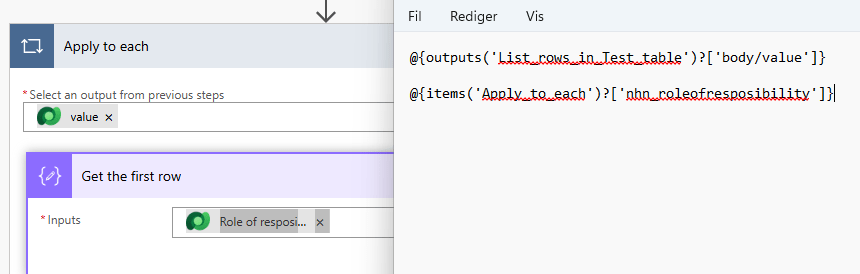
Remove the bits you don’t want with you (the @{ and }) and sow them together with the magic of the function first:
outputs(‘List_rows_in_Test_table’)?[‘body/value’]
items(‘Apply_to_each’)?[‘nhn_roleofresposibility’]
first(outputs(‘List_rows_in_Test_table’)?[‘body/value’])?[‘nhn_roleofresposibility’]first(outputs(‘List_rows_in_Test_table’)?[‘body/value’])?[‘nhn_roleofresposibility’]
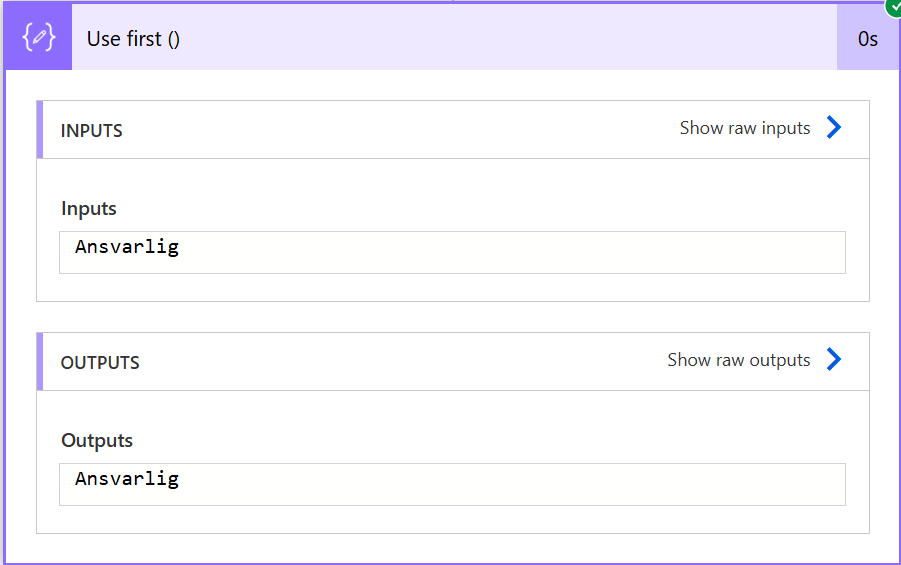
Insert the code into the compose action and it will run like a clockwork and get you the first value.
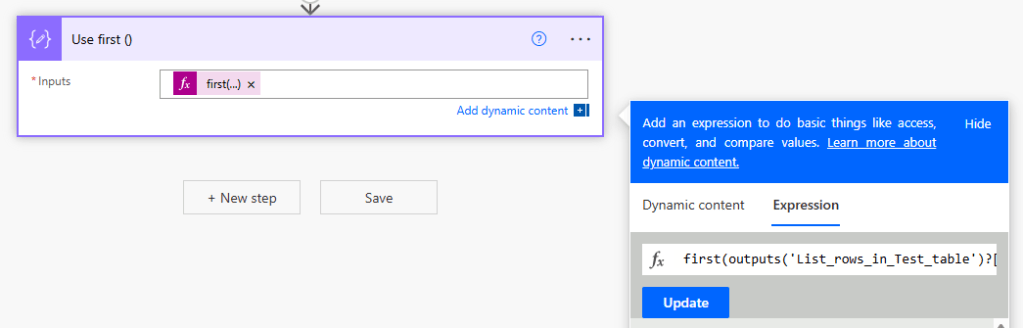
You can of course use this on any action – not just the compose.
So good luck – keep making cool things and just ask if there is anything I can help you with =)

 Tonje’s Tech Terrain: Navigating Microsoft 365, Power Platform, and Dynamics
Leave a comment