

My task was to automate incoming e-mails that were stored in Dataverse, process them and register purchase orders and requests for quotes based on the information in the e-mail and attachments.
At the time this challenge arose, I was well into filling in all the fields in a purchase order with look up values. I think it went really well and thought that now I had really made a breakthrough! Then I came to a field that had a look up, but the column I was looking for was not there. How was I supposed to get hold of it then? I searched fot the text “system” that was the value I was looking for and I found an url. I pasted it in the browser – and there it was! My column with the value I was looking for. Halleluja! But how to get it out?
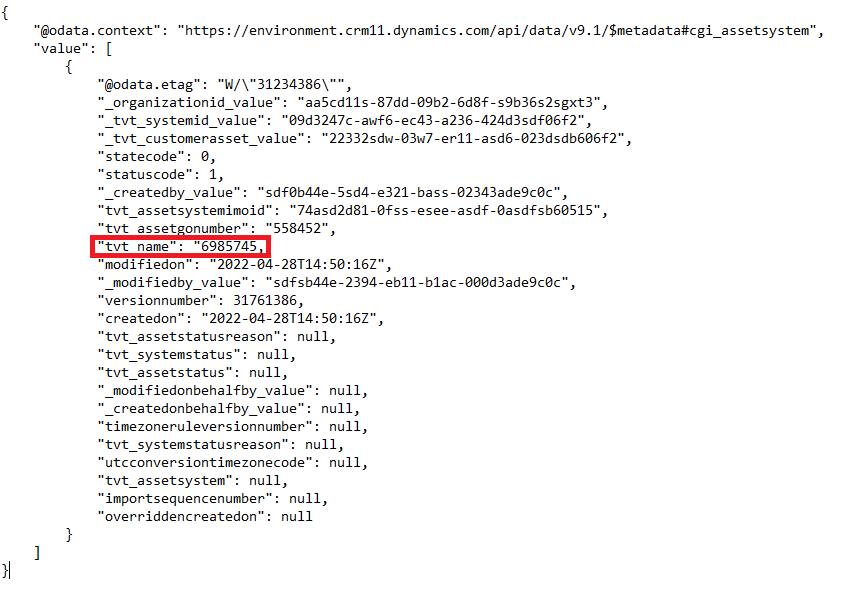
Http request was the solution for me. Here is how I build it.
First I built my Scope structure with Set System containing scopes Try System and Catch System.
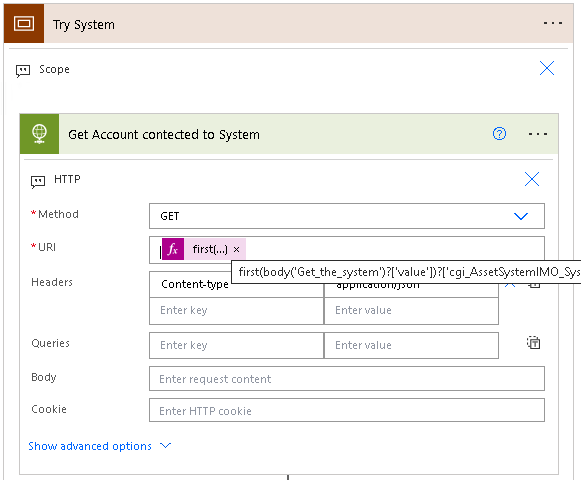
Inside Try System i added the action HTTP. This is a Premium action, so you need a Power Automate license to use it.
- Method: GET
- URI: Get the first element from the Get rows action where your url is. If, like me, you want to avoid apply to each loops, you can use first(). Check out this video that goes through this Power Automate Get Unique Values from Array | Distinct Items from Excel, SharePoint & Dataverse – YouTube.
- Athentication: Under advanced options you have to choose what kind of authentication you want. You need to register an App in Azure (here is a blog about how: How to register App for Dynamics CRM 365 / CDS / Dataverse API (Azure AD / OAuth) | ZappySys Blog.
- Choose Active Directory OAuth and use Azure key vault. Here is a blog about how you use the key vault in Power Automate Power Automate and Azure Key Vault – YouTube
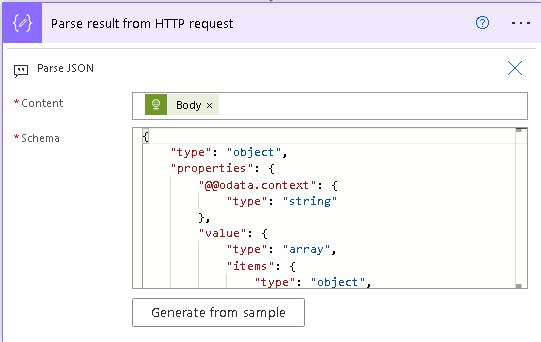
The HTTP action returns a JSON object that I need to parse to get the value that I want. For this I use the Parse JSON action.
- Content: The body of your HTTP action
- Schema: Here you want the schema of your JSON. I got it by inserting a Compose action after my HTTP action with the body as my input. I ran the flow and copied the output of the Compose and pasted it into the Generate from sample box that pops up when you click the button.
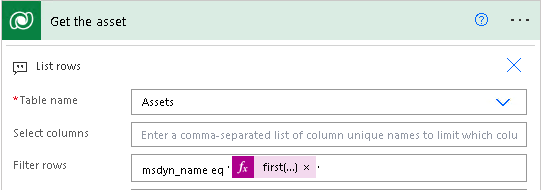
Now that you have the value, you can connect to the table and filter is based on the column of your value. The action List rows from Dataverse gives you all the rows of a table and then you can filter on one or more values. I want the rows where the column msdyn_name is equal to the value from the Parse JSON action. I know it’s only one, so I use the first() again to avoid the apply to each.
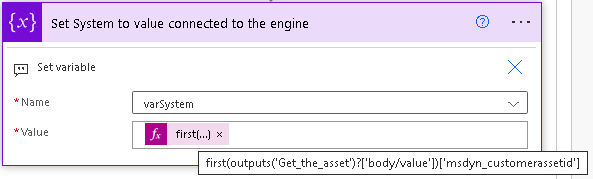
The last thing I do in the Try scope is to put the id of the first element returned from the List rows action into a variable of type string.
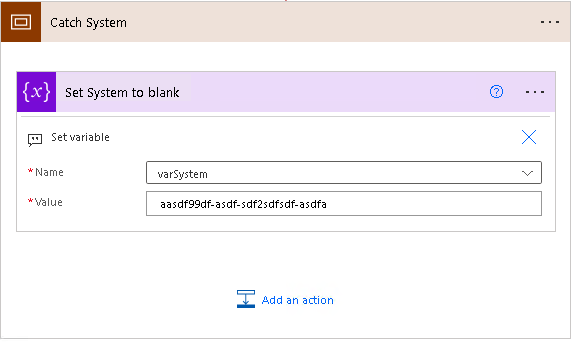
In my Catch scope I set the same variable to a dummy element if it has no value. The catch scope only runs if the try scope failes, so this way the variable will always have a value and the flow will not fail.
I hope this helps someone who has the same challenges as me. In any case, this blog will develop into a great reference work for me when I eventually forget what I have done previously. And believe me – it is forgotten quite quickly sometimes =)

 Tonje’s Tech Terrain: Navigating Microsoft 365, Power Platform, and Dynamics
Leave a comment